Real 4K or Just Enlarged: What the Screen Notices
A file can carry the right pixel count and still run out of detail halfway.
An enlarged photo behaves well inside a small window. Stretch it across a desk monitor and the edges go soft, grain turns waxy, and a tree that used to have leaves becomes a green suggestion. The file still reports 3840 by 2160. The information stopped somewhere below that number.
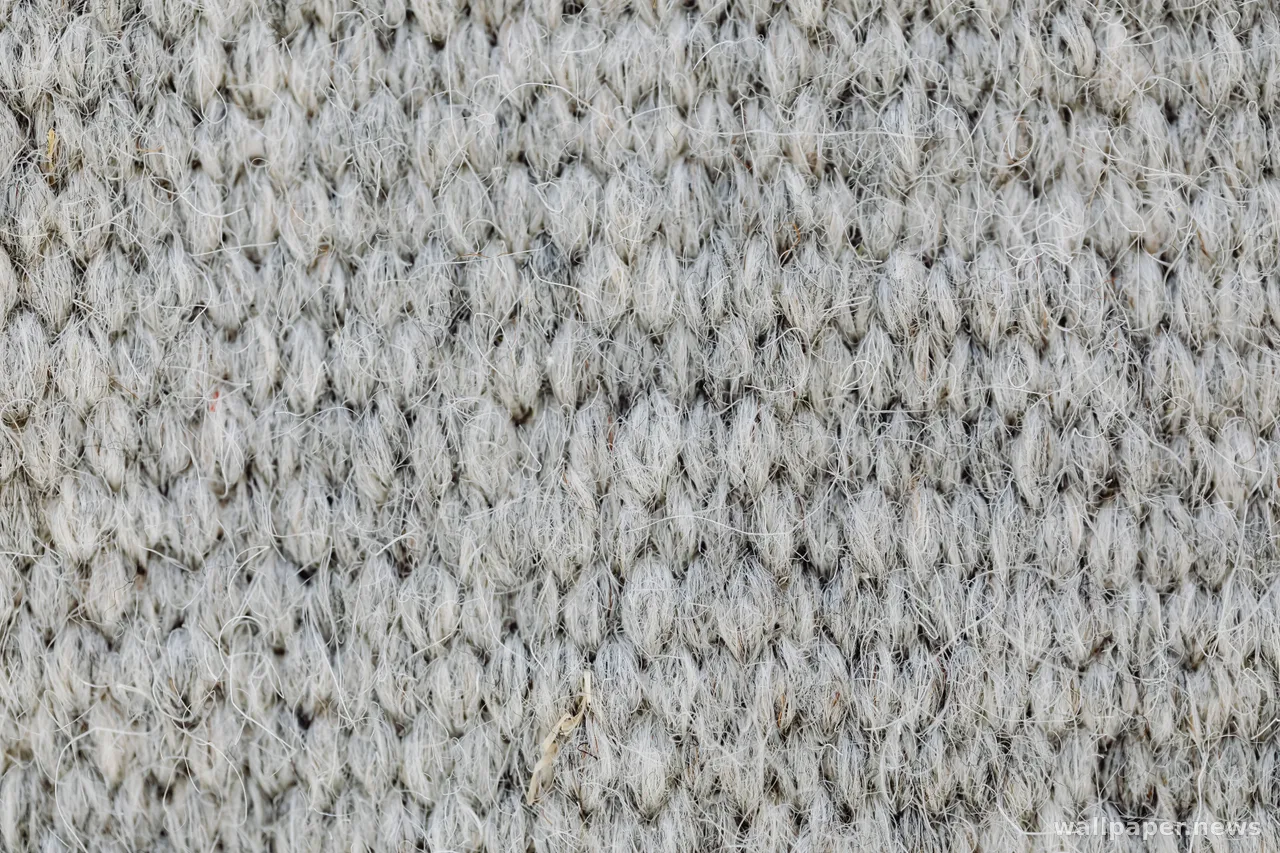
The check takes ten seconds. Open the image at one hundred percent and look at a corner rather than the middle: brick joints, the barbs of a feather, the veins on a leaf. A native file keeps handing you detail as you go in. An upscaled one offers smooth transitions and a faint brushed halo along every edge. File size is the second hint, since a photograph claiming 4K in a few hundred kilobytes has clearly been through something.
Shrinking is forgiving, enlarging is not. A picture reduced to fit picks up a little bite; the same picture pushed past its own size loses the thing that made it worth setting. On the one image you look at all day, an honest smaller original beats an impressive number.