JPG, PNG, WebP: what to save a wallpaper as
The format only shows itself in two places, and one of them is the sky.
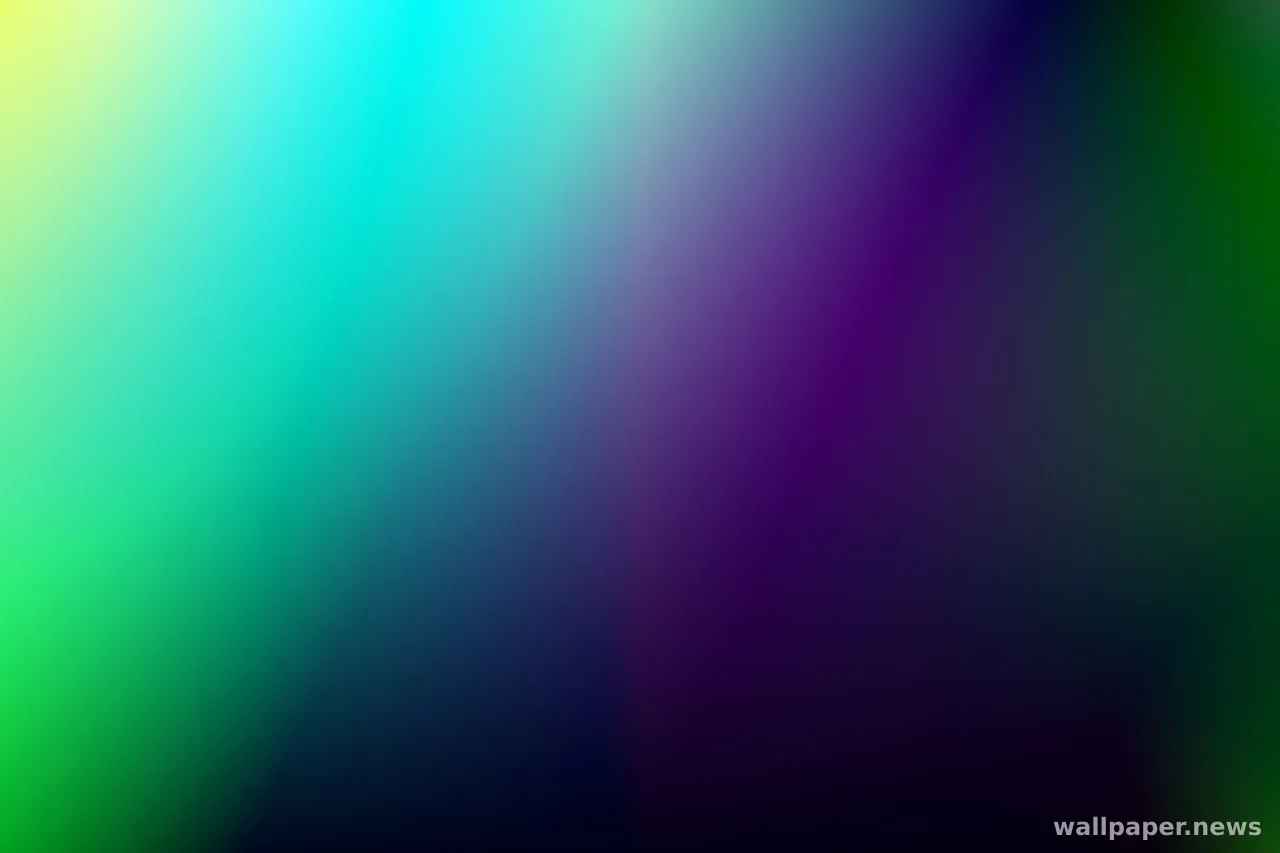
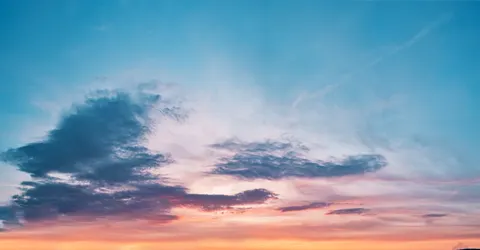
The same picture is often offered in three formats, and the file sizes are not close. JPEG buys its smallness by throwing away detail you were unlikely to check, which works well on leaves, gravel and fur, and works badly on a clear sky. Smooth gradients are where the discarded information becomes visible: the blue stops being continuous and settles into bands, with faint blocks around anything bright. PNG throws nothing away, so a flat colour or a simple geometric field can be smaller than its JPEG, while a photograph swells to several times the size.
WebP and AVIF sit between the two, holding the same quality in a noticeably smaller file. The catch is not the picture but the picker: the wallpaper dialogue in an older system may simply not list a file it cannot read, and you end up converting it back anyway. A quiet rule covers most cases. Photographs go as high-quality JPEG, anything flat or gradient-built goes as PNG, and the newer formats are worth it once you have watched your own machine accept one.
A wallpaper is seen a few hundred times a day and looked at almost never. The format matters in exactly two moments: a large area of sky behind your icons, and the few seconds after you minimise every window. Pick the one your system opens without argument, leave the quality higher than feels necessary, and let the screen carry the rest.