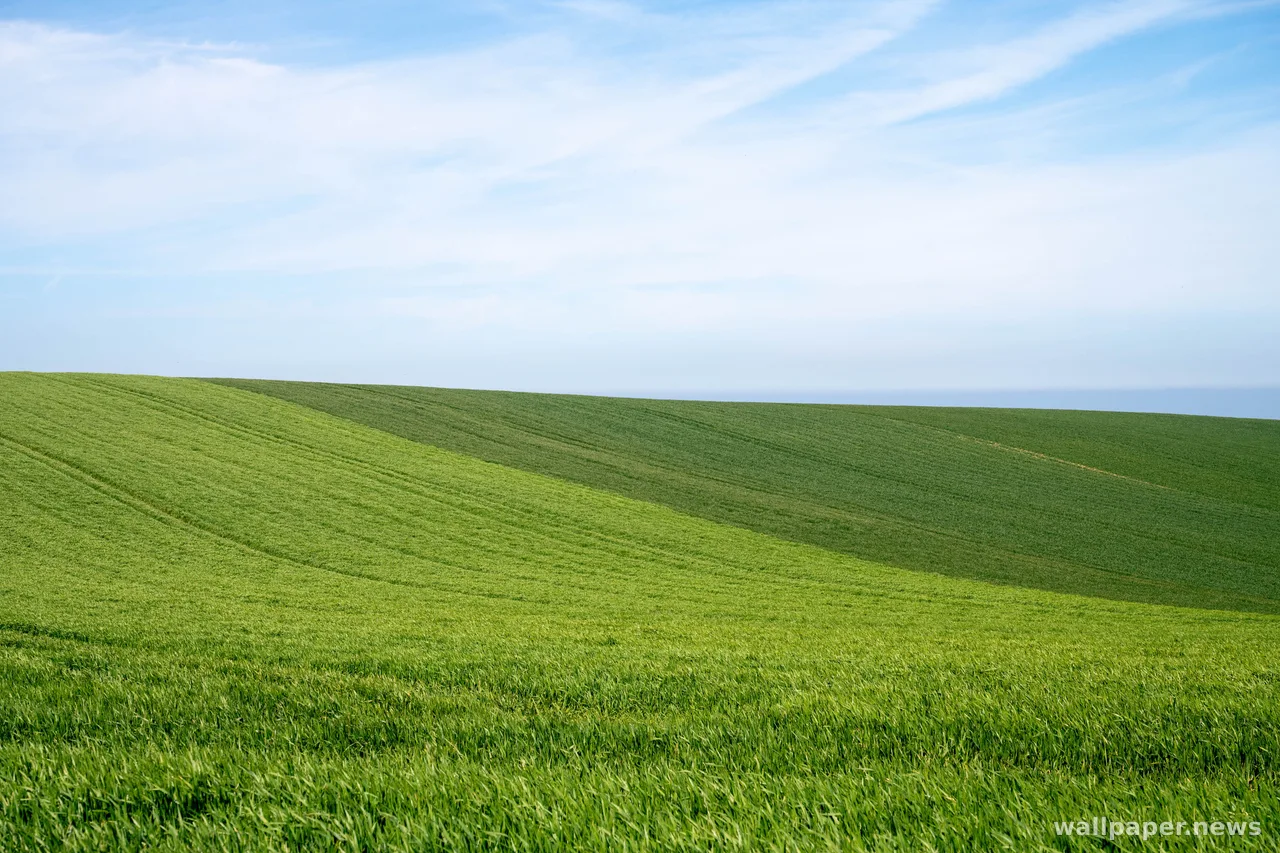
One Photo, Two Crops: Phone and Desktop
A picture that holds together across the room rarely holds together in your hand, and the sides are the first thing to go.
A desktop screen is roughly 16:9, wide and low. A phone sits closer to 9:19.5, tall and narrow. Cutting one from the other is not a resize but an amputation: filling a phone with a desktop image costs about two thirds of the width, and whatever was sitting comfortably near the left edge is gone before you notice it left.
Which means the real decision happens before the crop. A photo with one subject and some air around it survives both shapes. A photo built on a wide sweep — a ridgeline running edge to edge, a shoreline receding to the right — only works in the shape it was framed for. A horizon set low leaves a vertical crop room to breathe above it; a horizon parked dead center gives neither format anything to work with.
Then there is the matter of what sits on top. A desktop keeps its clutter in the corners and along one edge. A phone stacks a clock at the top, a row of icons at the bottom, and leaves the middle third mostly bare, so the point of interest wants to be in different places: lower third on the desktop, near the center on the phone. Cropping twice on purpose takes a minute, and that minute is the difference between a wallpaper and a photograph that happens to be behind everything.